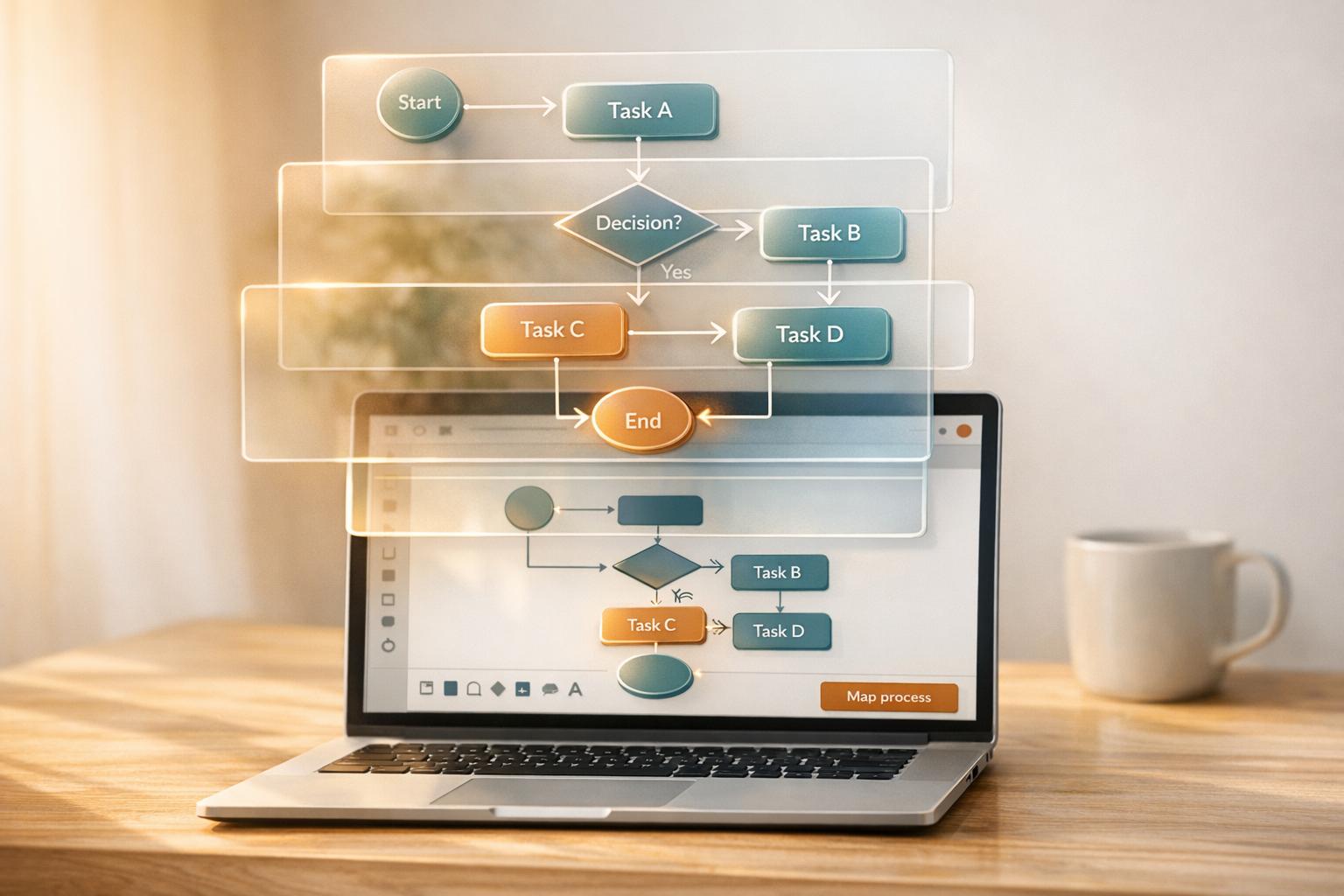
Business Process Mapping Tool
Streamline Your Operations with a Business Process Mapping Tool
Running a business means juggling countless tasks, and sometimes it’s hard to see where things are slipping through the cracks. That’s where visualizing your workflows can be a game-changer. By laying out each step of your operations, from start to finish, you gain a clearer picture of how everything connects. This isn’t just about drawing pretty diagrams—it’s about uncovering inefficiencies, redundancies, or gaps that might be costing you time and money.
Why Visualization Matters
When you map out a workflow, you’re not just organizing data; you’re creating a roadmap for improvement. A tool designed for this purpose can take raw information—like who does what and what’s needed at each stage—and transform it into an easy-to-read format. Imagine being able to spot a bottleneck in your customer service pipeline or realizing a key resource is missing in production. That kind of insight is invaluable, whether you’re a solo entrepreneur or leading a growing team. Plus, having a documented process makes onboarding new staff smoother and keeps everyone aligned. So, why not take a few minutes to chart your operations and see the difference it makes?
FAQs
What exactly can I map with this tool?
You can map out pretty much any business process—think order fulfillment, customer onboarding, or even internal HR workflows. Just break it down into steps, add details like who’s responsible and what resources are needed, and the tool turns it into a visual diagram. It’s great for anything that follows a sequence and needs clarity.
Do I need design skills to create a flowchart?
Not at all! This tool is built for simplicity. You just input the details—steps, stakeholders, inputs, and outputs—and it handles the design part for you. The result is a clean, professional-looking diagram that anyone on your team can understand, no graphic design experience required.
Can I edit my process map after creating it?
Absolutely. Business processes evolve, and this tool lets you go back and tweak your map anytime. Add new steps, update resources, or adjust connections as things change. It’s all about keeping your workflow documentation current and useful without starting from scratch.